





Earn your next scroll.
Nuro blocks the apps that pull you in. Play a quick brain game together to earn a timed break, then the block comes back on its own.
Download on theApp StoreFor iPhone.
Hi! I’m Nuro.
Nuro blocks the apps that pull you in. Play a quick brain game together to earn a timed break, then the block comes back on its own.
Download on theApp StoreFor iPhone.
Hi! I’m Nuro.
A little pause.
Play a little in Nuro. Earn your next break.
Back to my day Open NuroNo guilt trip, no lecture. Just a calm screen, a choice to get back to your day, and a way to earn the break if you still want it.
Three steps. You keep your favourite apps, you just open them on purpose.

Choose the apps that eat your day with Apple's Screen Time picker. Nuro keeps them locked.

Nine quick games: patterns, reactions, memory, words. A minute or two of play earns coins.

Spend coins to unlock your apps for a set time. When the timer runs out, the block returns.




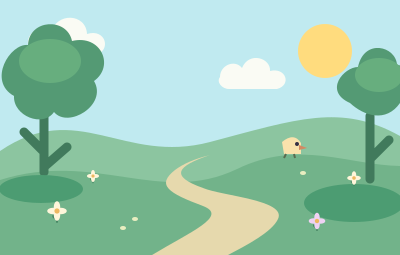
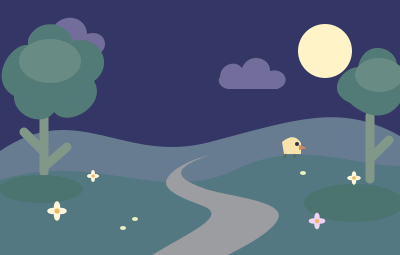
Follow your Journey across the neighbourhood, keep a streak going, collect medals and dress Nuro up along the way.





The apps you choose to block are stored on your device through Apple's Screen Time. Nuro doesn't upload them.
Export your data or delete your account from inside the app, with or without a subscription. Privacy policy